ScreenSage Pro Blog
How to Blur Part of a Video on Mac Without Privacy Leaks
Learn how to blur part of a video on Mac, choose the right mask and time range, check moving content, and export safely without exposing private details.
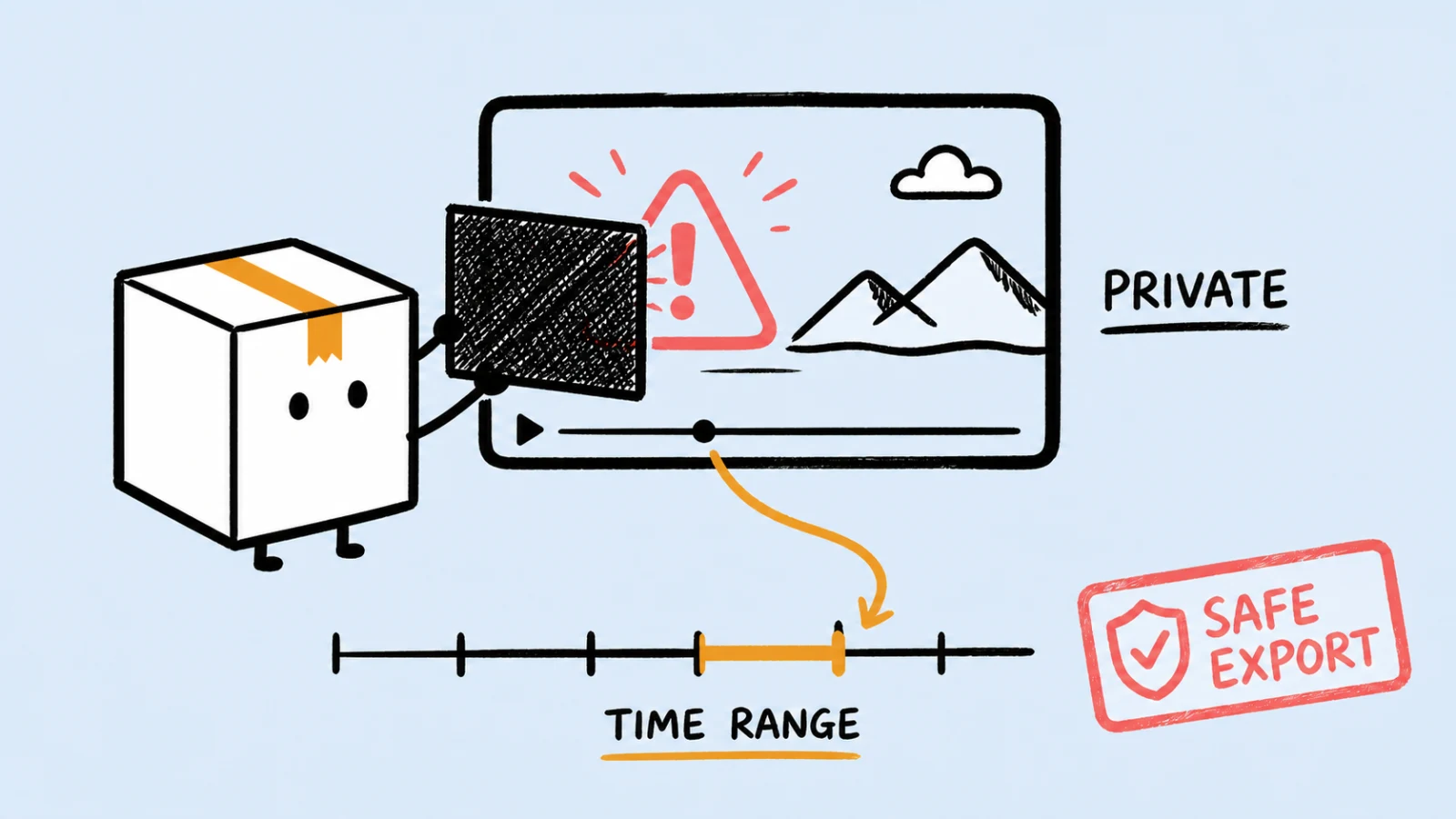
Screen Recorder for Tutorials on Mac: What Actually Matters
Choose a Mac screen recorder for tutorials by what stays editable: audio sources, cursor actions, zoom, webcam, captions, and delivery format.
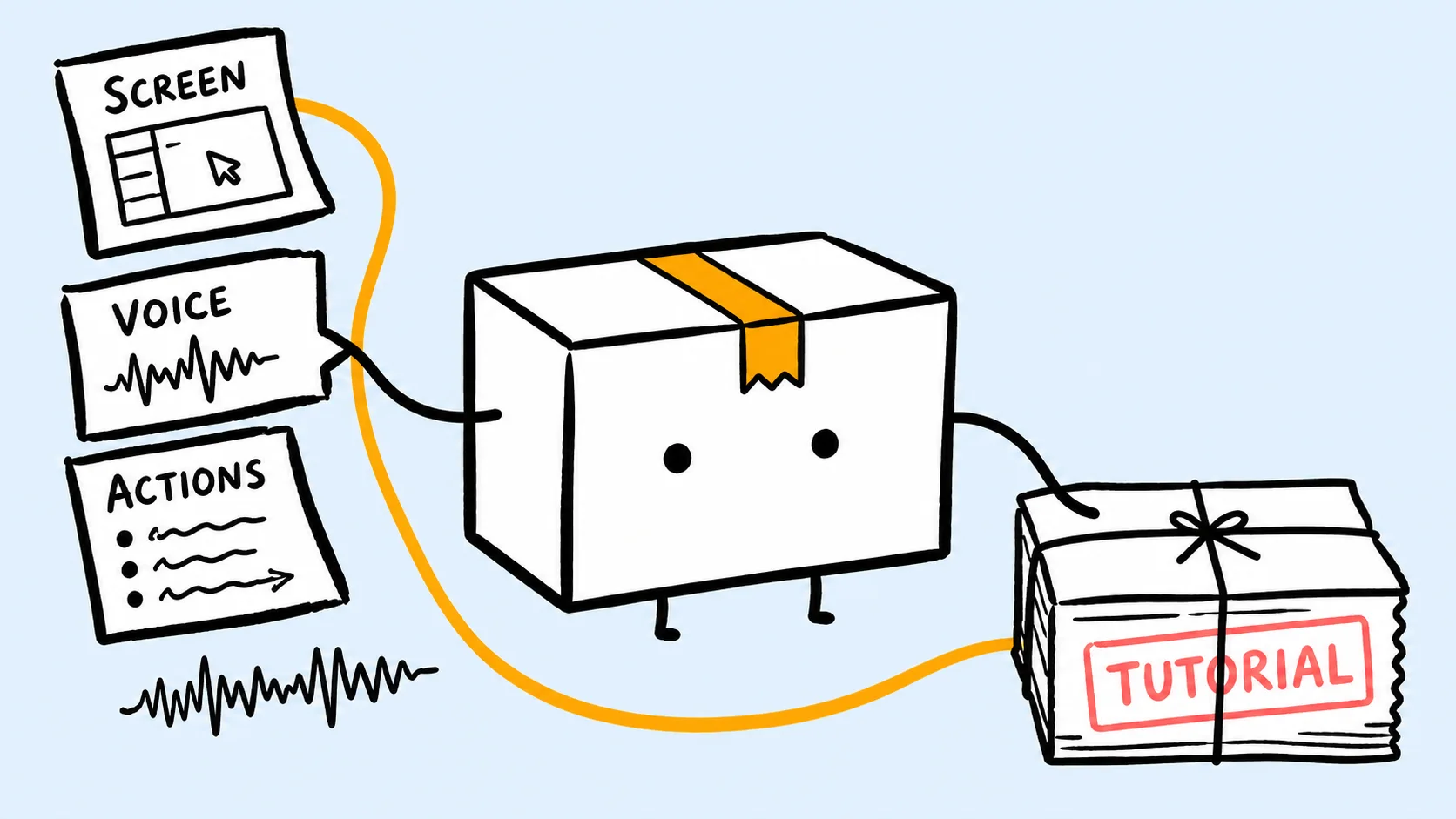
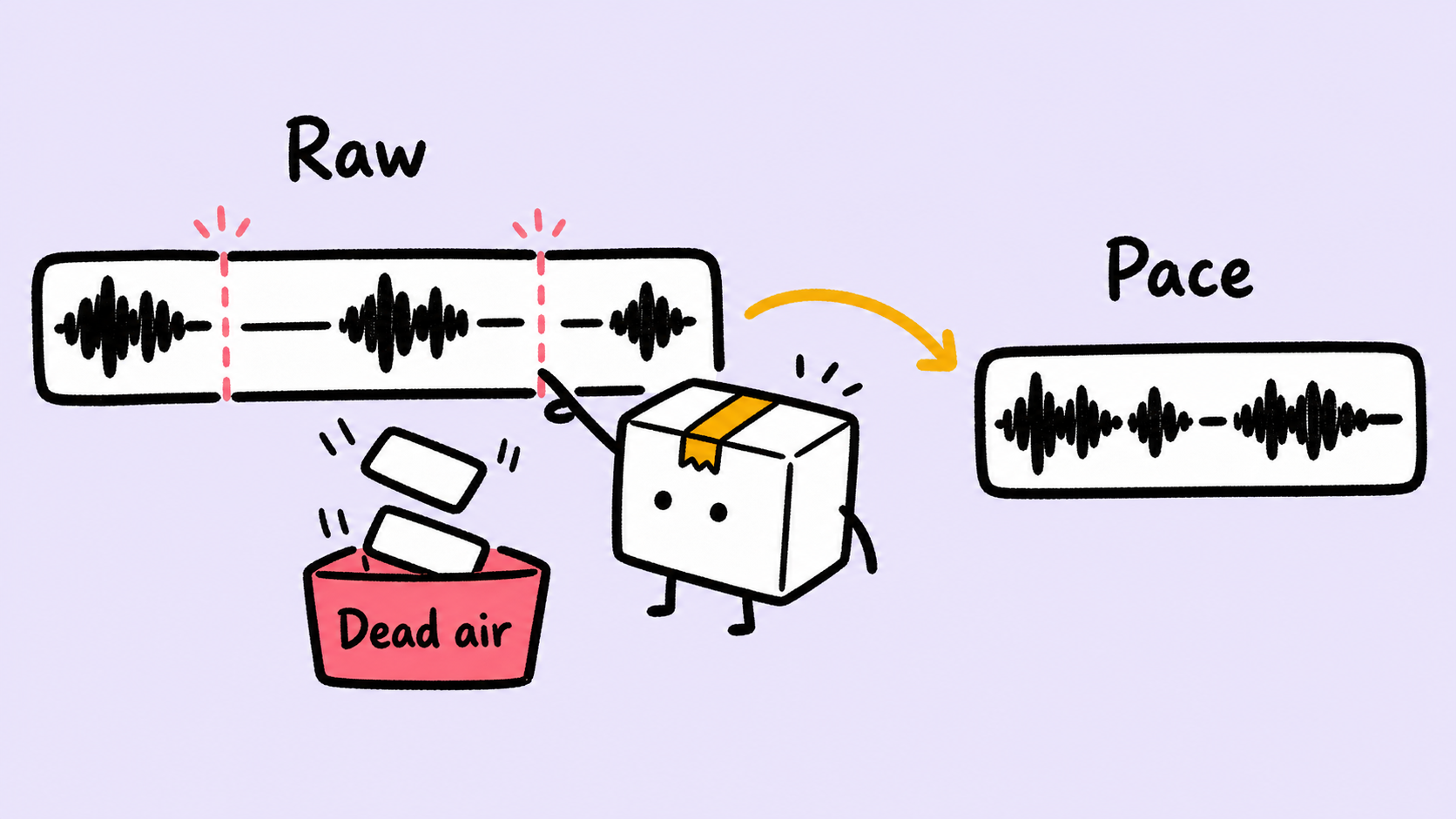
How to Edit a Screen Recording on Mac (Best Order)
Edit a Mac screen recording in the right order: cut mistakes, fix audio and pacing, reframe the canvas, guide attention, add captions, and export.
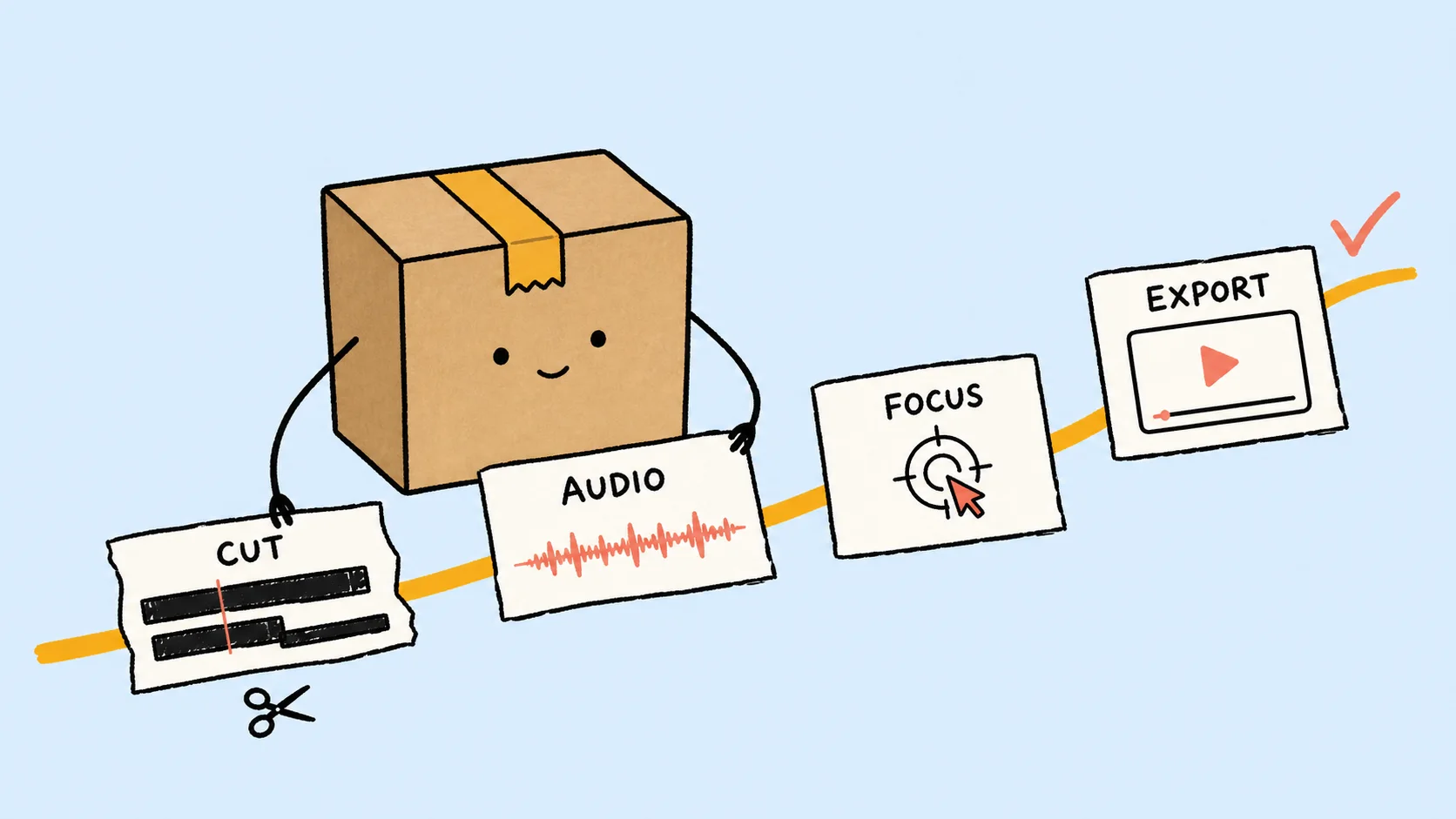
How to Make a Product Demo Video: A SaaS Workflow
Learn how to make a clear SaaS product demo video: define one outcome, script the proof, record clean UI, guide attention, and export for the destination.
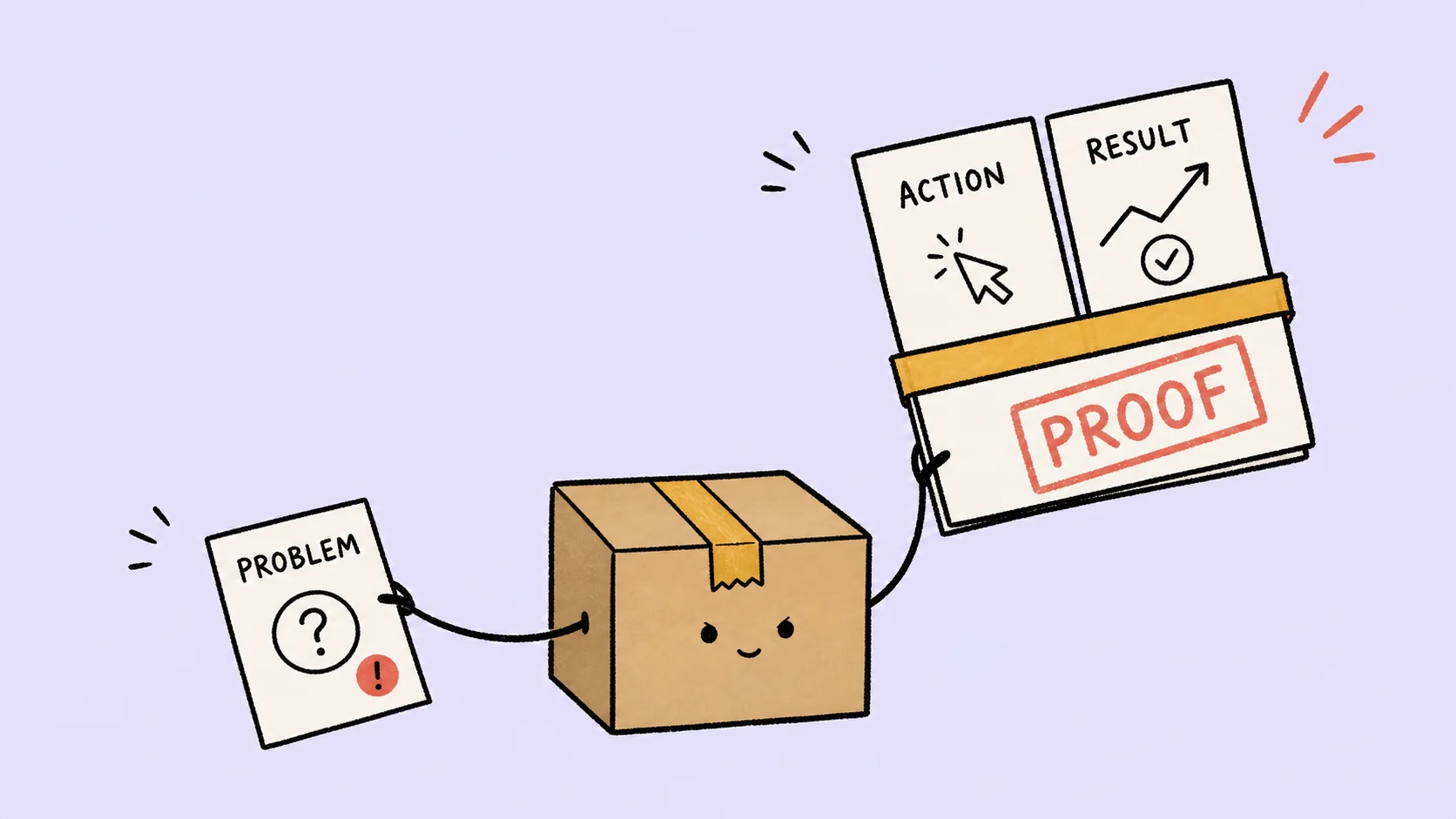
Auto Captions for Screen Recordings: A Better Mac Workflow
Need captions for a Mac screen recording? Generate them after the rough cut, correct product terms, protect important UI, and export the right format.
Best Screen Recording Software for Mac in 2026: 8 Picks
Compare 8 Mac screen recorders for polished demos, multi-source tutorials, streaming, transcript editing, training, async sharing, and free capture.
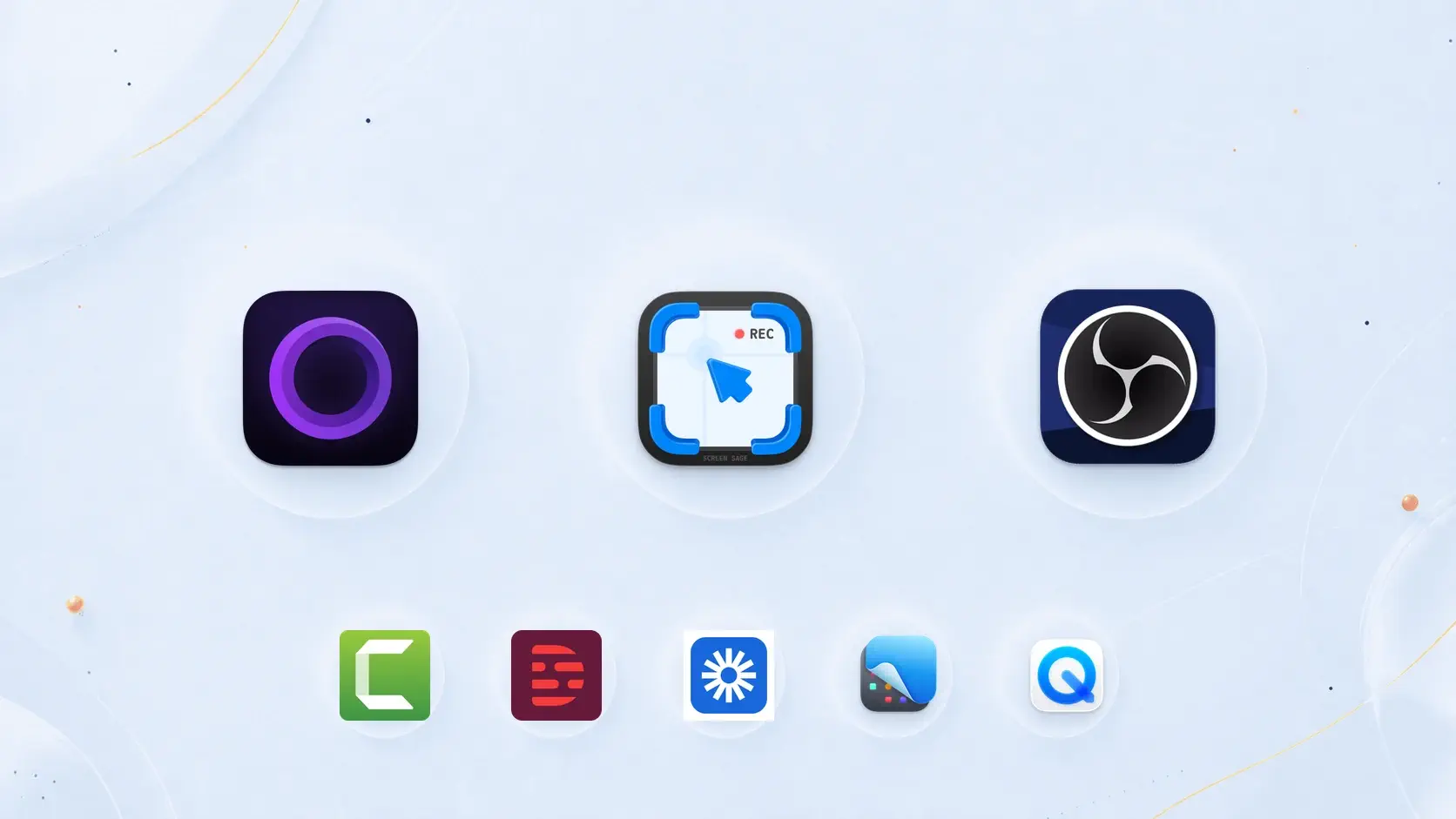
Screen Recording Feels Flat? Add Camera Feel to Your Product Demo
When a product screen recording feels too flat, add 3D camera motion to a few key moments. It is not a flashy effect. It is a practical way to guide attention in a product demo.

Export Transparent Background Video for 3D Product Demo Motion
Need to bring a 3D screen-recording motion clip into another editor? Learn when transparent background video export helps, how to choose HEVC with Alpha or ProRes 4444, and how to use ScreenSage Pro as a product-demo asset maker.

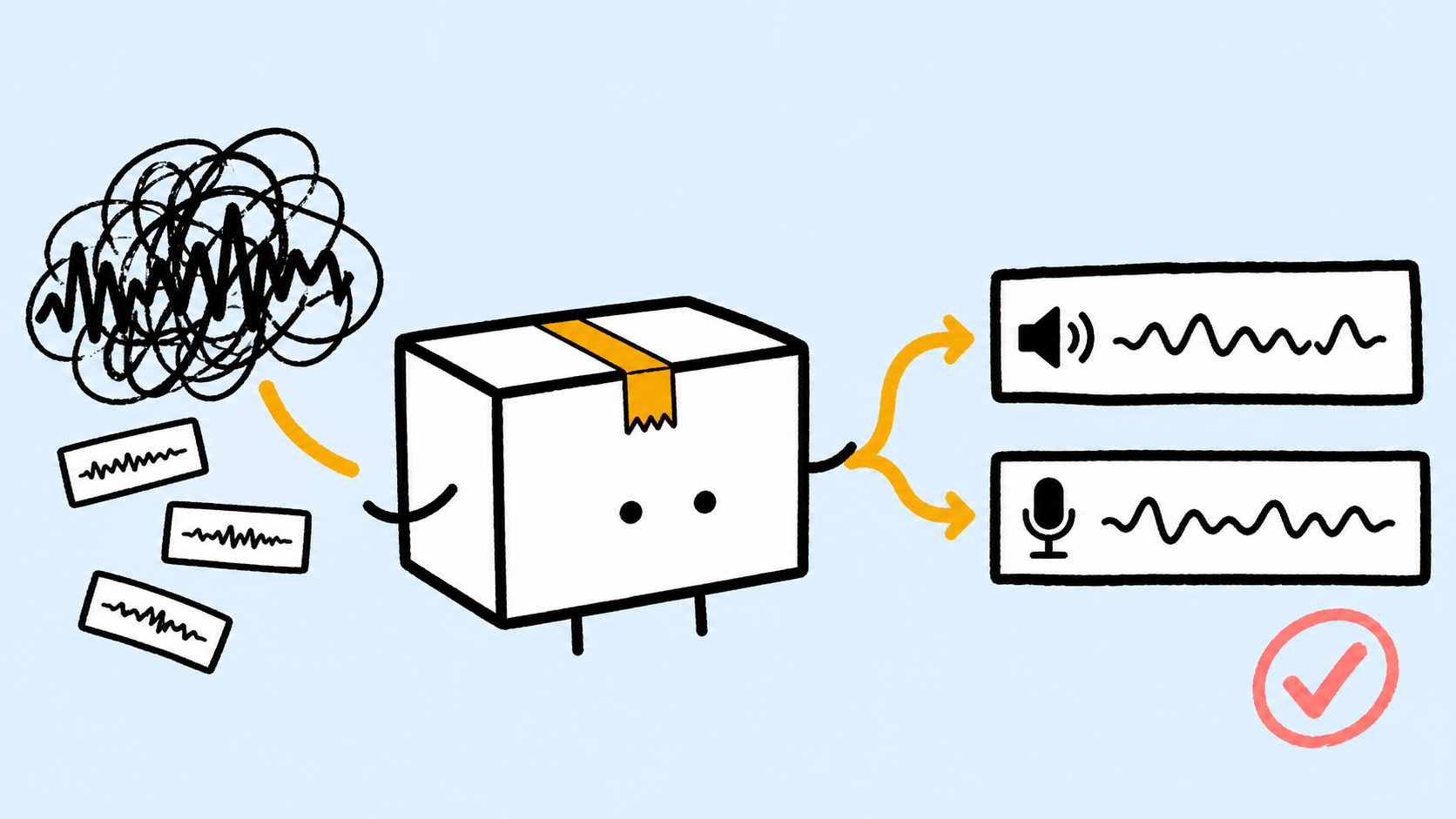
Mac Screen Recording No Sound? Fix Mic & System Audio
Mac screen recording has no sound? Diagnose missing mic or system audio, fix QuickTime and Screenshot settings, check permissions, and test before recording.
Record iPhone Screen on Mac: 4 Recording Scenarios Creators Actually Need
Want to record an iPhone or iPad screen on Mac? Compare iOS-only, iOS+webcam+mic, Mac+iOS, and iPad+iPhone recording for tutorials, product showcases, and creator workflows.

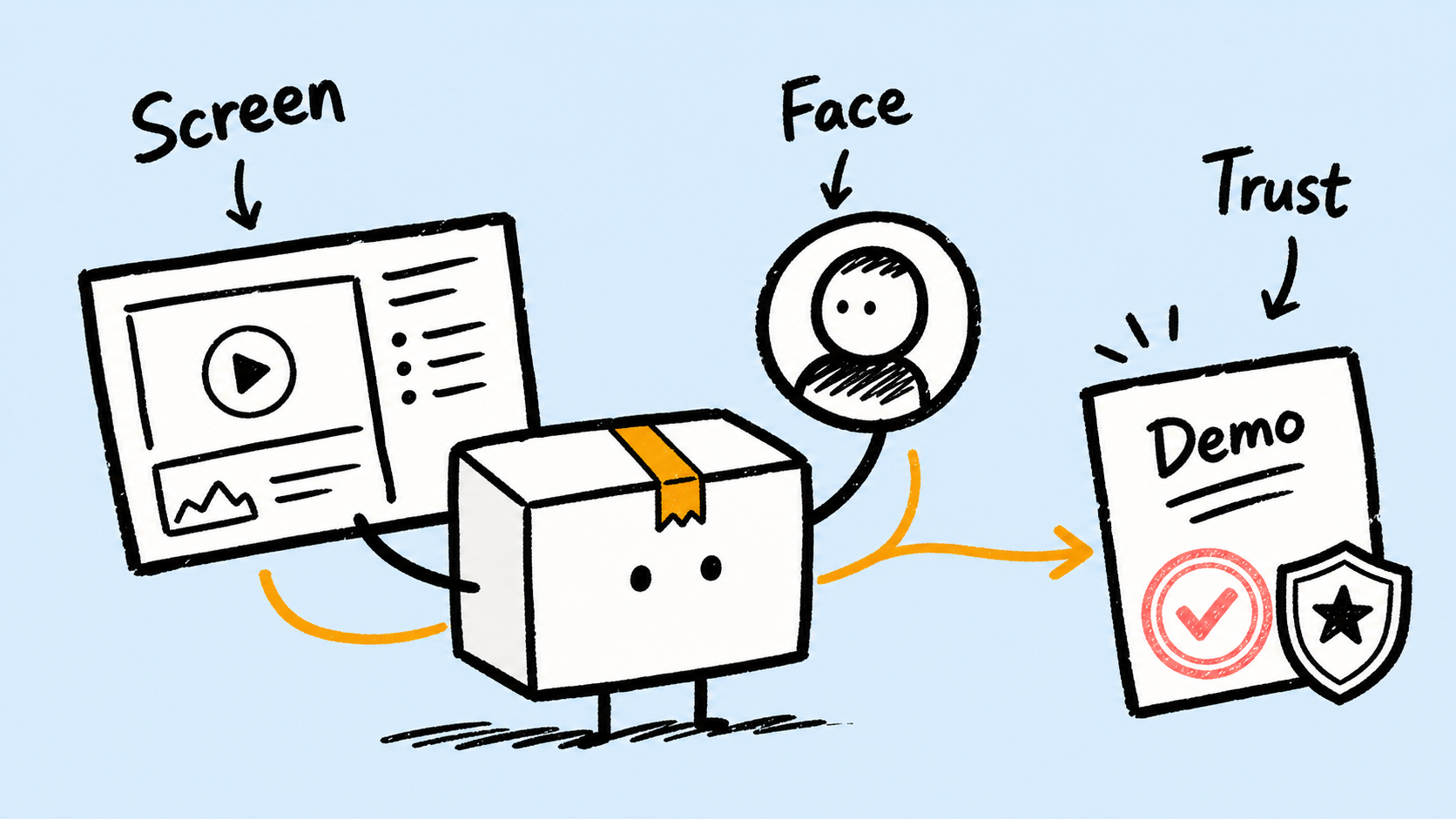
How to Record Screen and Webcam on Mac for More Trustworthy Product Demos
Learn how to record screen and webcam on Mac, use picture-in-picture, switch layouts, and make product demos feel more human and trustworthy.
How to Automatically Remove Silent Parts From Talking-Head and Screen Recordings
Tired of finding pauses by hand after recording? Learn when to remove silent parts, how to tune silence removal, and how to keep narrated videos natural.
Screen Recorder With Auto Zoom: 6 Features That Matter
Learn what a screen recorder with auto zoom should offer, including cursor highlight, click feedback, smoothing, editable zooms, and when each effect distracts.
