ScreenSage Pro Privacy: Turn Off Usage Stats & Licenses
Want zero telemetry while recording sensitive work on Mac? Turn off usage statistics in one click under Settings → General → Privacy and browse open-source licenses.
ScreenSage Pro collects a small set of anonymous usage statistics by default to answer practical questions—like whether exports are failing or which resolutions people rely on most—so we know what to fix first.
Because a screen recorder sits right next to private work, especially on company machines or client demos, opting out should be effortless. You can turn off all usage statistics in one click.
What's included—and what's never collected
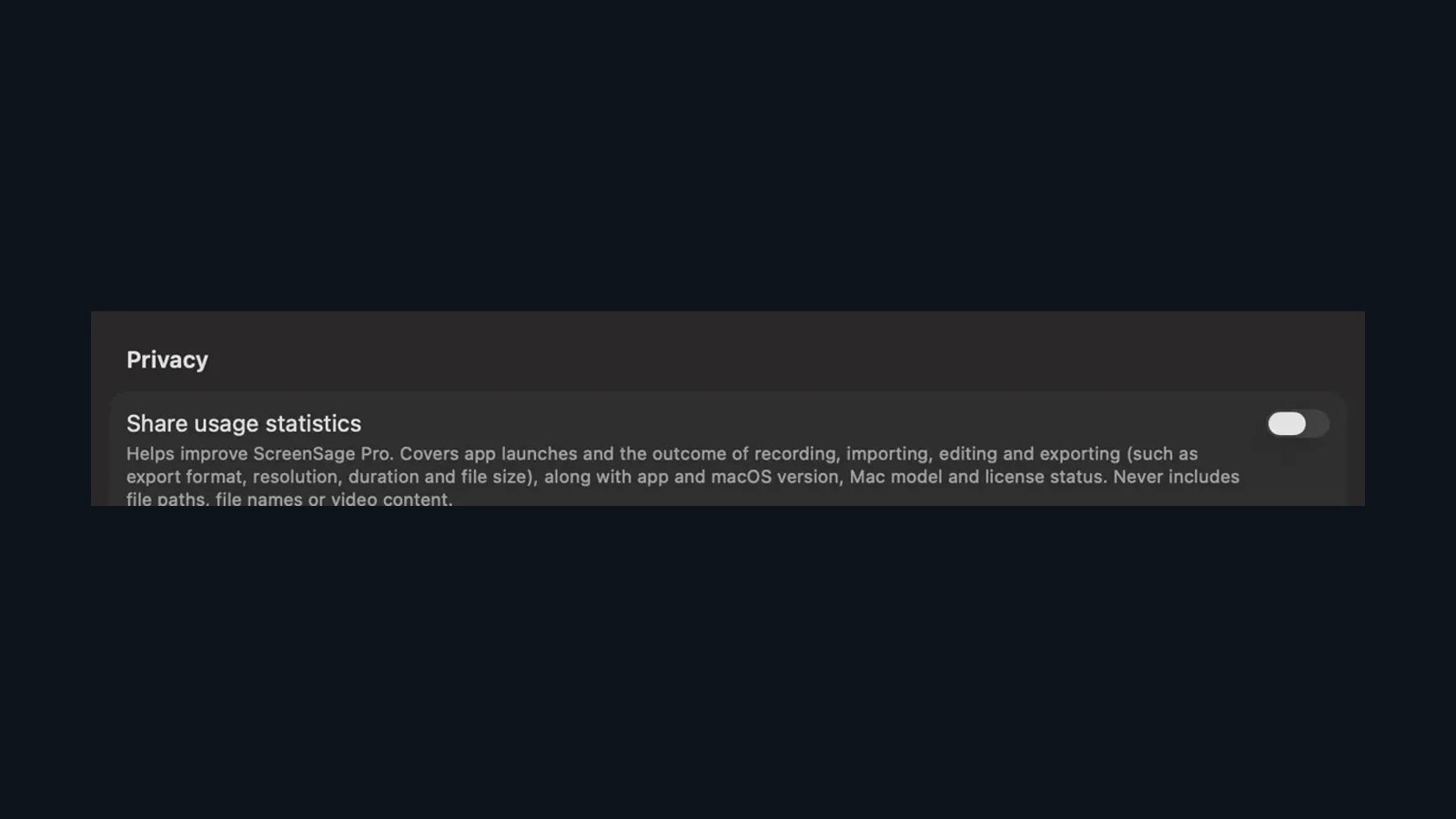
The note beneath the toggle spells it out plainly:
- Included: app launches, basic outcomes for recording, importing, editing, and exporting (format, resolution, duration, file size), plus app/macOS version, Mac model, and license status.
- Never included: file paths, file names, or any of your video or audio content.

What happens when you opt out
Toggle Share usage statistics off and ScreenSage Pro immediately stops sending usage data—including on future launches. You can turn it back on anytime.
Opting out never restricts any feature; license verification and update checks continue working normally.
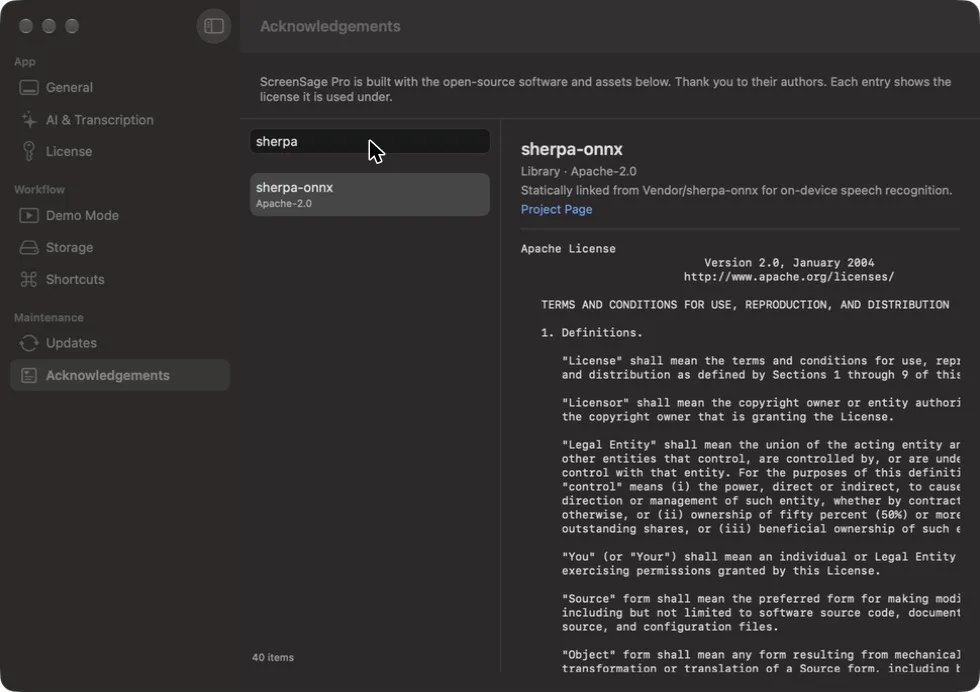
Browse open-source Acknowledgements
ScreenSage Pro builds on many open-source projects, models, and assets. Open Settings → Acknowledgements anytime to search dependencies, read full license texts, and visit project homepages.
Related
- Docs: Privacy & Acknowledgements
- Looking to hide sensitive text inside your recordings? See Auto-redact sensitive text in Mac screen recordings
- See everything in 0.4: 0.4 release page
- Download ScreenSage Pro
Auto zoom, cursor smoothing, text cursor follow, and fast export for Mac demos and tutorials.
Download ScreenSage Pro